How it works

Gifting as easy as sending a text

Pick what they love, make it personal and send it in a minute. They spend it at the brands they choose, right from Apple Wallet.

Send a gift
  1. Step 1

    A gift for whatever they love

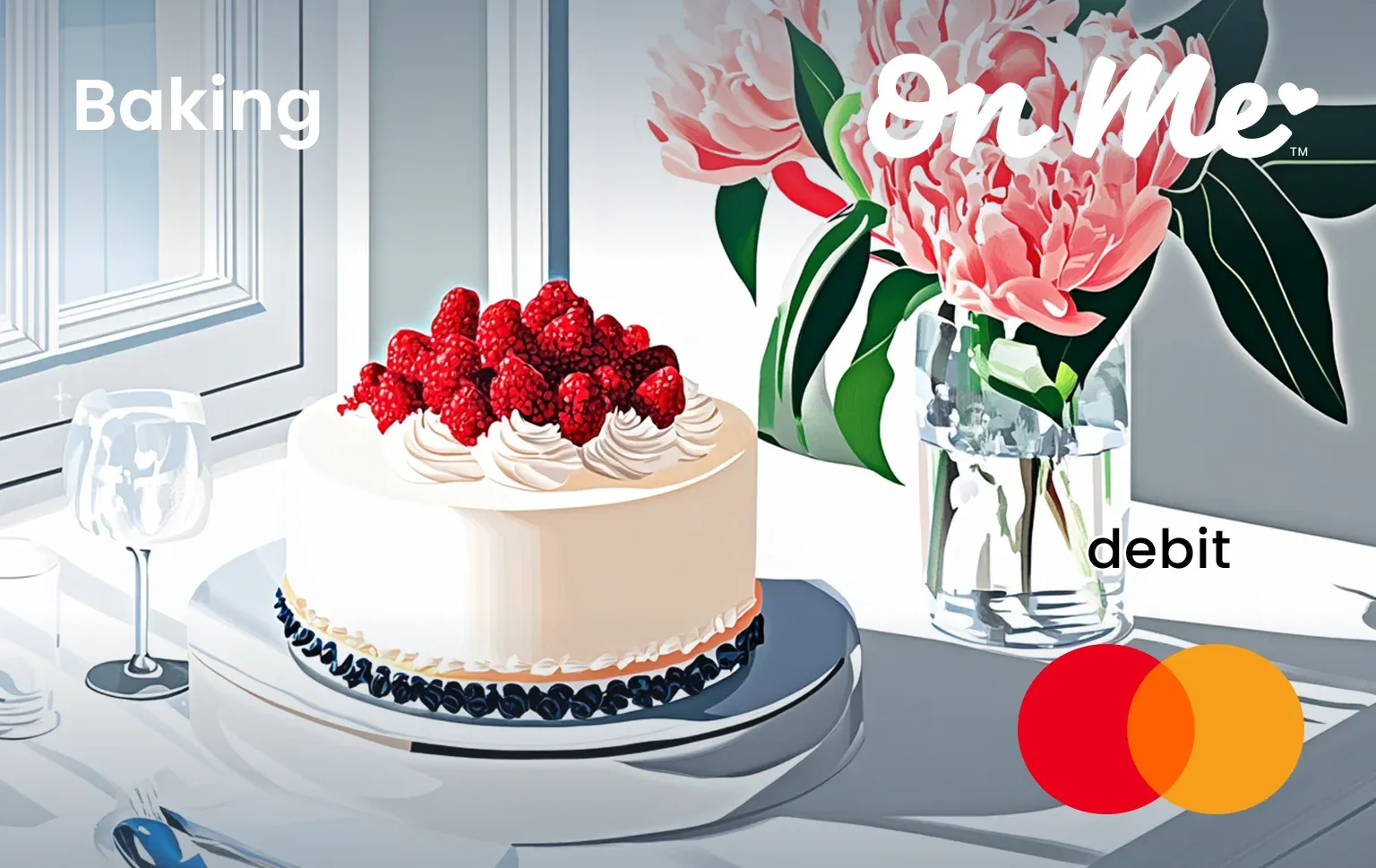
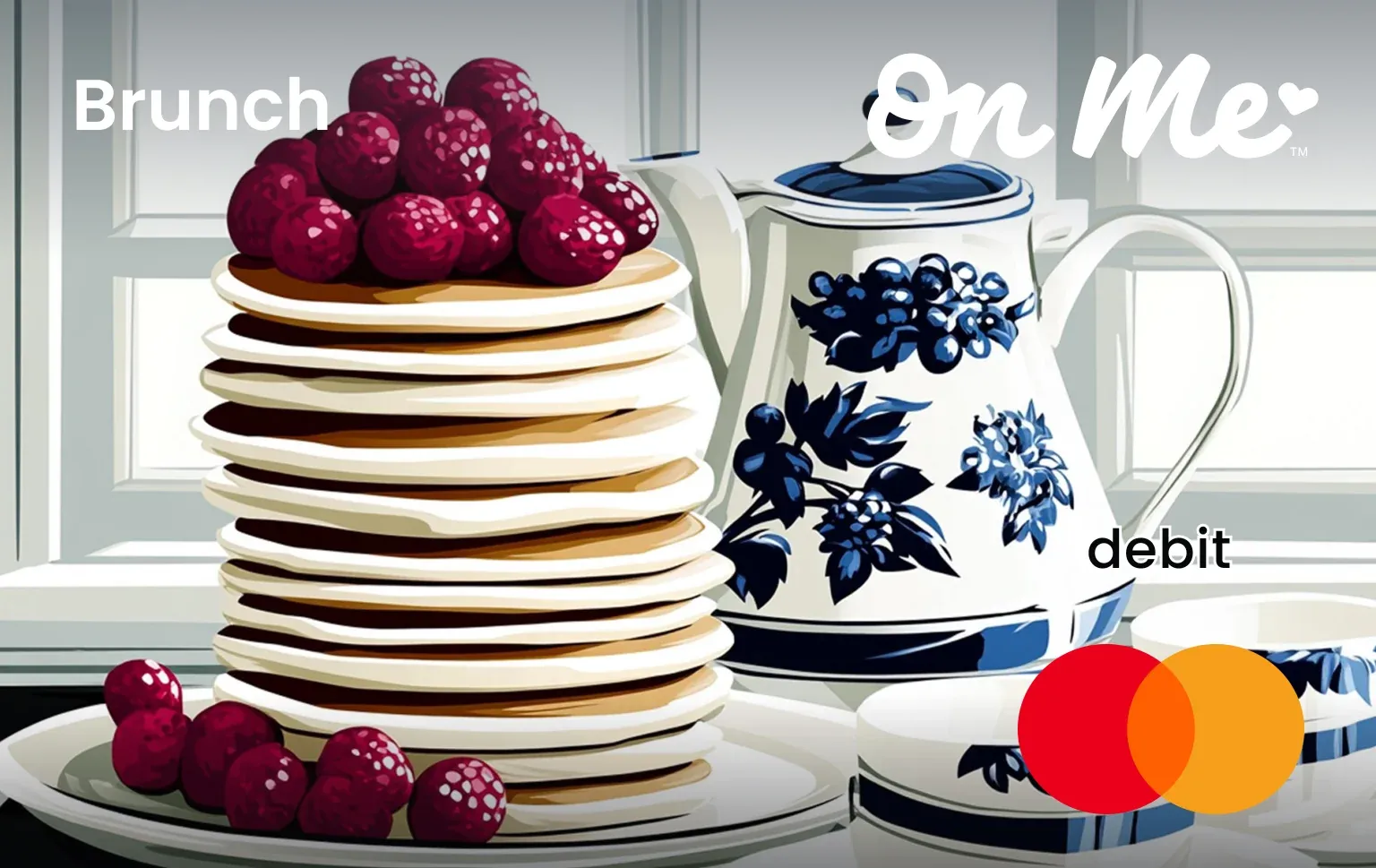
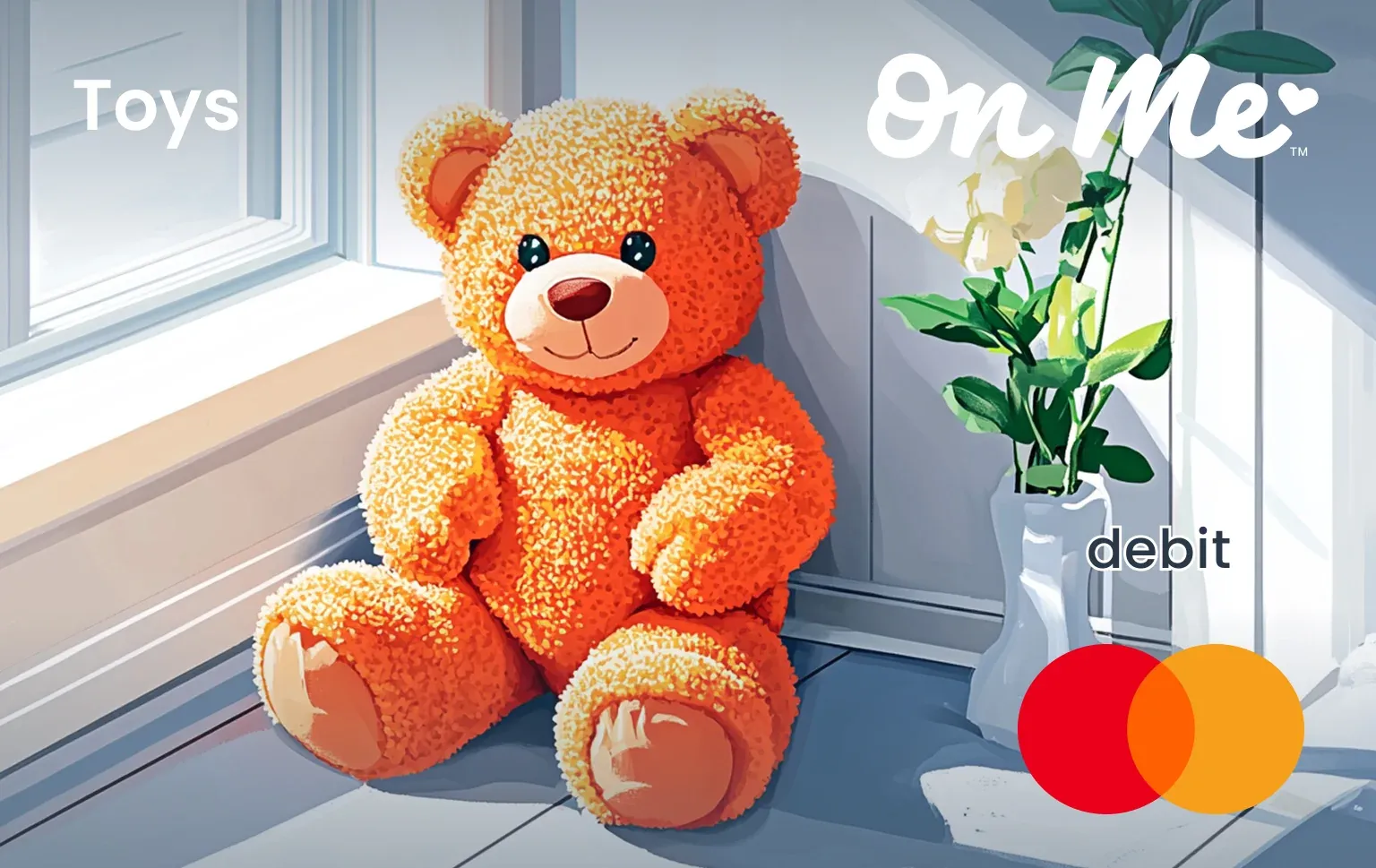
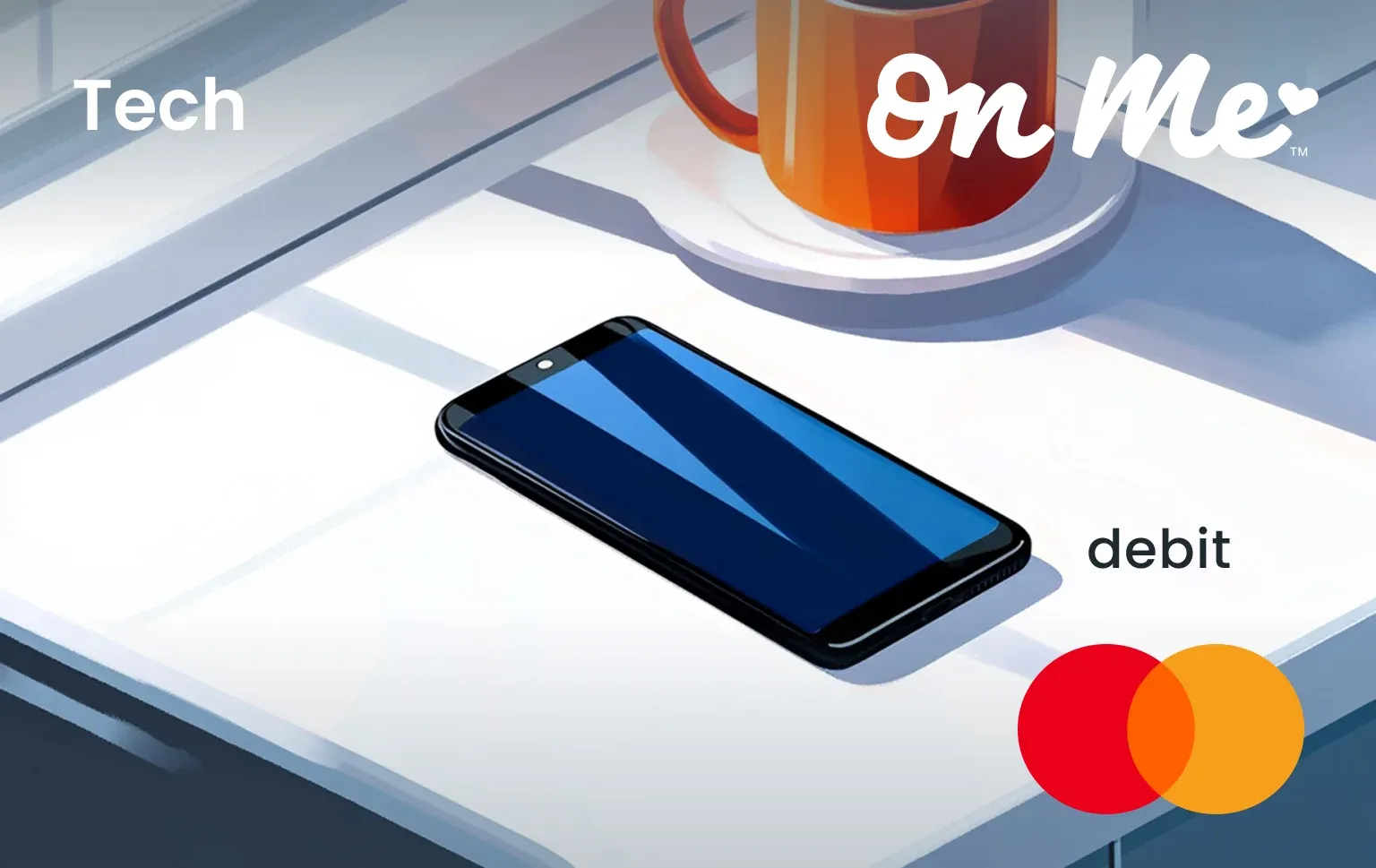
    Choose a category for what they’re into, from dinner and coffee to hiking and toys. Not sure? Send Choice and let them pick.

    • Dinner, coffee, travel, hiking and more
    • Every brand in the category included
    • Choice lets them decide

  2. Step 2

    Make it personal, then send it

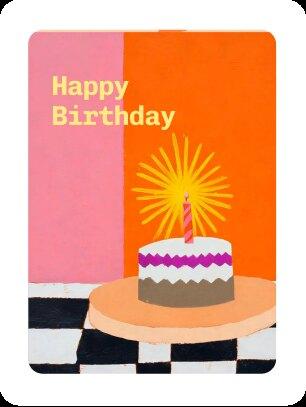
    Add a cover and a note, a photo, a video or a GIF. Send it by text, email or link, right away or on the day.

    • Covers for every occasion
    • Notes, photos, videos and GIFs
    • Send it now or schedule it
  3. Step 3

    They spend it where they like

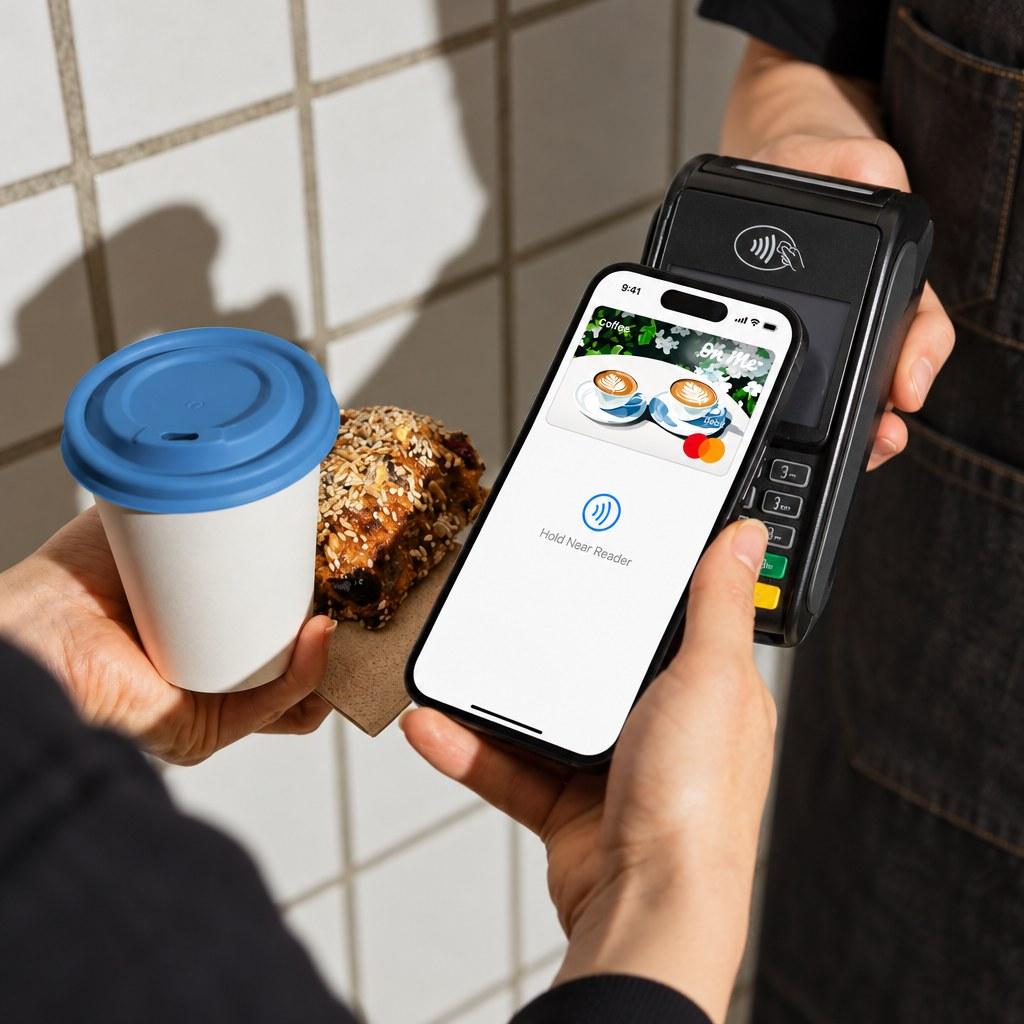
    They add it to Apple Wallet from the On Me app, or use the card details to shop online. No app needed.

    • Tap to pay in store with Apple Wallet
    • Card details for shopping online
    • Any brand in the category
    Someone holding a coffee and a pastry taps their phone, an On Me card on screen, on a café card reader
  4. Step 4

    Get a thank-you back

    See when your gift lands, then get their thank-you note and see what they picked.

    • Know when it’s delivered and opened
    • Thank-you notes come straight to you
    • See where they spent it
    A woman laughing with friends over dinner at a restaurant